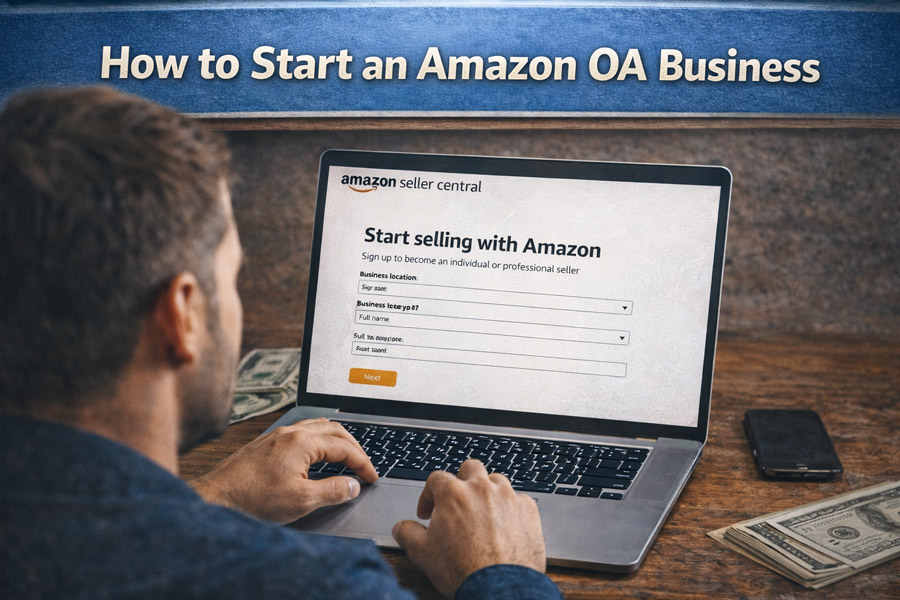
Amazon Online Arbitrage (OA) is one of the most beginner-friendly and scalable ways to build an Amazon FBA business. It’s basically buying discounted products from retail websites and reselling them on Amazon, of course, for a profit. It saves the seller the hassles of creating products, running ads, or importing from other countries.
This article is a step-by-step guide on how you can find, analyse, and sell profitable products from major brands such as Nike, Adidas, and LEGO, even with no experience.
By doing OA, you will avoid many of the risks of other Amazon business models, but how can you do it? Let’s dive in!
What Is Amazon Online Arbitrage?
Amazon Online Arbitrage involves buying products at a discount online and reselling them on Amazon FBA (Fulfillment by Amazon).
Instead of drop shipping, sellers:
- Purchase products from retail websites
- Receive inventory themselves or at a prep center
- Send inventory to Amazon FBA warehouses
- Amazon handles storage, shipping, and customer service
That’s it! You can do it anywhere, and with less investment compared to other business models.
How Online Arbitrage Compares to Other Amazon Business Models
Now, let’s compare OA to other Amazon models, and see which one fits your business best.
- Private Label
Private Label involves sourcing “unbranded products”, typically from China, and building a brand around them: your own “private label”. This model, of course, needs more capital and product development. You should market the product yourself, photograph it, write copy, advertise, and generate traffic. Online Arbitrage avoids all of this by selling on existing listings with existing demand.
- Wholesale
Wholesale means buying “large quantities from authorized suppliers” (instead of a few selected items) before selling. It is harder for beginners and usually requires more capital in the beginning.
- Amazon Drop Shipping
Retail drop shipping is not so much beginner-friendly, because it often results in poor customer experience and violates Amazon’s expectations. Amazon prioritizes customer satisfaction and frequently penalizes this model. So if you’re not experienced in the marketplace, it’s best to avoid it.
- Retail Arbitrage (RA)
Retail Arbitrage is similar to Online Arbitrage but instead, sources in physical stores such as Marshalls or Nike outlets. RA is often faster for initial cash flow but less scalable. Some sellers combine RA and OA when starting.
- Used Books
Used books need minimal capital but are difficult to scale and highly competitive.
Key Amazon FBA Terminology (Must-Know)
Starting OA? Here are some terms you will be facing often, and it’s best to know them:
- FBA (Fulfillment by Amazon): Amazon stores, ships, and handles customer service
- Merchant Fulfilled (FBM): Seller ships orders directly to customers, and the merchant handles customer service
- Buy Box: The “Buy Now” section where most sales occur
- Sales Rank (BSR): Indicates demand; lower rank means higher sales
- ASIN: Amazon Standard Identification Number
- Prep Center: A third-party warehouse that prepares inventory for FBA
- VA (Virtual Assistant): Remote workers who help with Amazon operations
- BOLO: “Be On the Look Out” for a hot product
- Q4: October to December (peak sales season)
Starting an Amazon Online Arbitrage Business
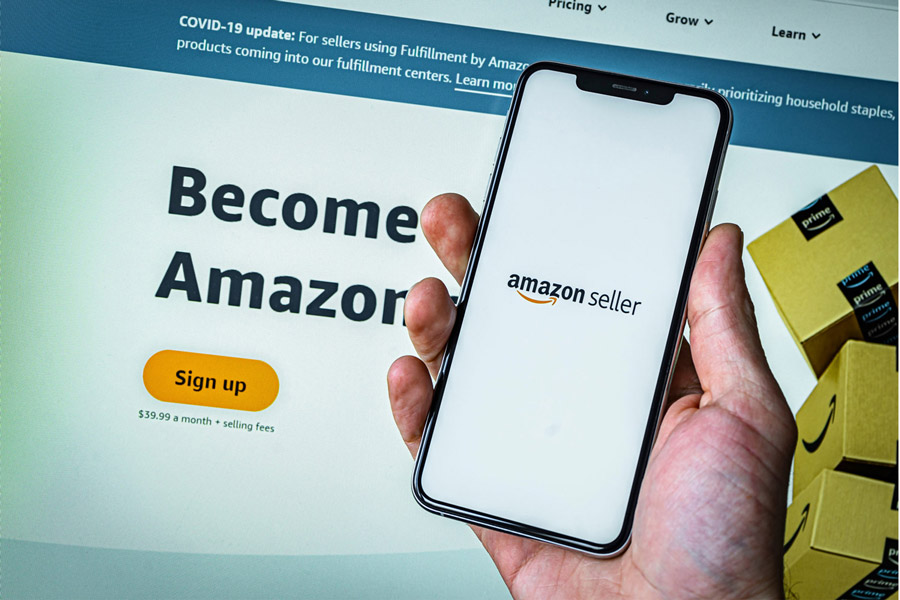
Before doing anything, you’ll need to sign-up on the Amazon marketplace as a seller. Here’s how to do it:
- Account Setup
You need a Professional Amazon Seller Central account. Start from this link: https://sellercentral.amazon.com. Use a business email you control long-term (don’t use a temporary email).
- Choose your selling plan
Select Professional (monthly subscription).
US: $39.99/month Sell on Amazon/ UK: £25/month (excl. VAT) Sell on Amazon UK
- Enter business and contact details
Provide your legal name/business name, address, and a reachable phone number.
- Add billing + payout details
Add a valid payment method for Amazon fees and your bank account details for disbursements (payouts). Amazon may verify these during compliance checks.
- Complete tax information interview
Follow the on-screen tax interview (this varies by country and entity type).
- Upload verification documents (when prompted)
Amazon may require a Government-issued identity document and Proof of address (e.g., bank/credit card statement).
- Confirm phone verification (if requested)
Amazon can request phone verification from the Account Information area.
- After approval: set your operational basics
Inside Seller Central, set Return settings and shipping settings (even if you plan to use FBA later), and your first listing approach (match existing listings vs create new)
You do not need:
- An LLC to start
- A business bank account initially